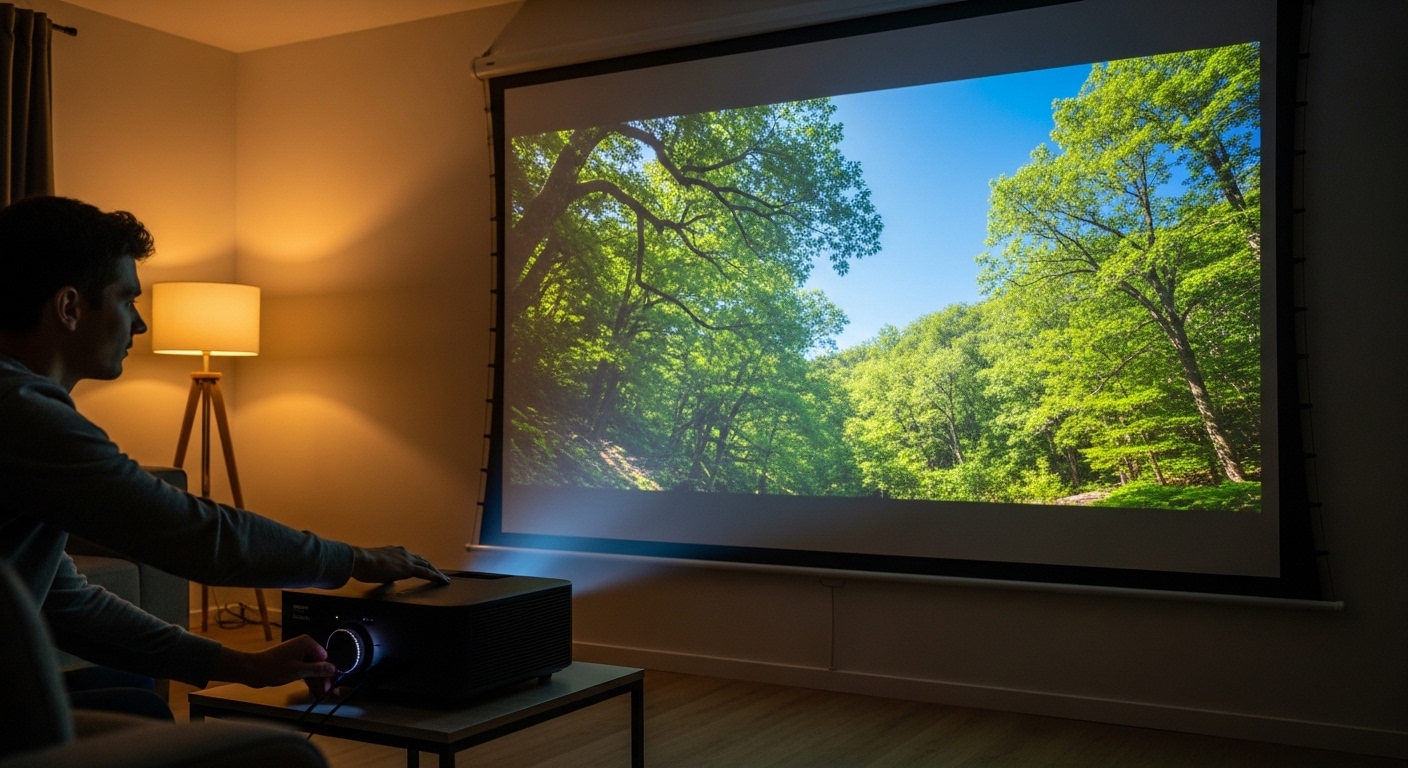
Projectors are an excellent way to create an immersive viewing experience, whether you’re watching a movie at home or presenting in a business meeting. However, projector image quality is not solely dependent on the projector itself. The right projector screen can significantly impact the overall image quality, enhancing your viewing experience. In this guide, we’ll walk you through the key factors that influence image quality and show you how to choose the right screen for your projector. By understanding brightness, contrast, screen gain, and lighting control, you can make informed decisions that will bring out the best in your projector.
What Makes a Projector Screen So Important?
The screen you use plays a critical role in the quality of your image. Projectors project light onto a surface, and the characteristics of that surface can either enhance or diminish the picture quality. This is where the screen comes into play. A good projector screen can optimize the image quality by controlling brightness, contrast, and color accuracy. Simply put, the better the screen, the clearer and more vibrant your image will be.
Why Brightness Matters for Projector Image Quality
What is Brightness in Projector Image Quality?
Brightness refers to how much light the projector screen reflects. It directly affects the clarity and vividness of the image. The more brightness a screen can reflect, the sharper and more vivid the image will be, especially in environments with ambient lighting.
How Does Brightness Affect Projector Performance?
If your screen can’t reflect enough light, the image may appear dim, making it harder to see details and colors, particularly in well-lit rooms. Choosing a projector screen with high brightness capability is crucial, especially if you’re projecting in a space where you can’t fully control the lighting.
Best Screen Options for Maximum Brightness
To achieve optimum brightness, consider screens with a high gain rating. Screen gain refers to the amount of light the surface reflects, with higher gain values indicating brighter images. However, it’s essential to find the right balance. A screen with too high of a gain might create hot spots, where certain areas of the image are too bright.
How Screen Gain Affects Projector Image Quality
What is Screen Gain and How Does it Impact Image Quality?
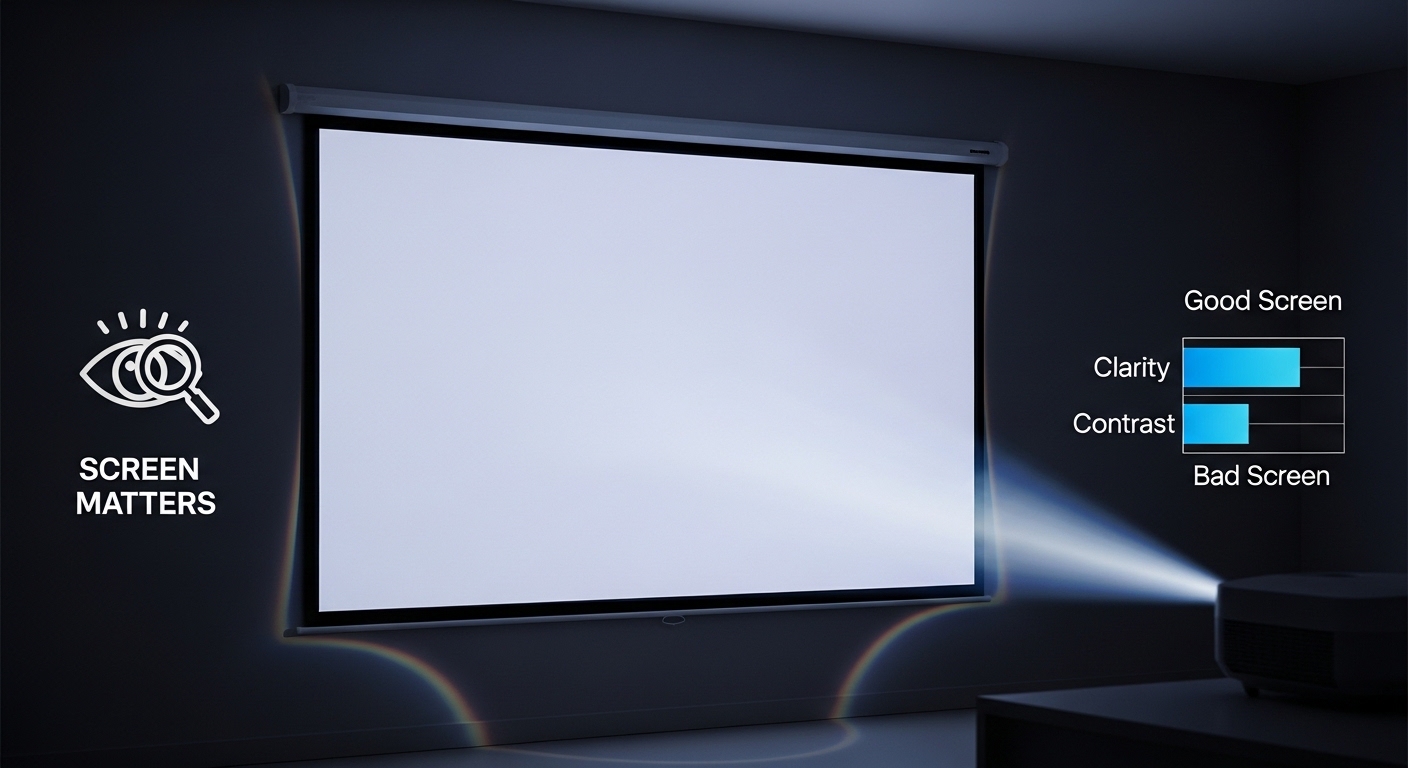
Screen gain measures how much light is reflected off the screen. It is a crucial factor in determining how bright and clear the projected image will appear. For instance, a screen with a gain of 1.0 will reflect light at the same intensity as it receives. A screen with a higher gain (e.g., 1.5 or 2.0) reflects more light, making the image brighter, while a screen with a lower gain (e.g., 0.8) will reflect less light and may result in a dimmer picture.
What Gain is Best for Different Projector Settings?
The optimal screen gain depends on the environment where you’ll be using the projector. In a dark room, a gain of 1.0 to 1.2 is ideal, as it reflects just enough light without washing out the image. In brighter rooms with ambient light, a higher gain of 1.5 or more can help boost brightness and ensure the image is still visible.
Choosing the Right Gain for Your Screen
- Low Gain (0.8-1.0): Best for home theaters or dark rooms with minimal ambient light.
- Standard Gain (1.0-1.2): Ideal for general use in well-lit spaces.
- High Gain (1.5-2.0): Great for rooms with strong ambient light, such as offices or conference rooms.
Why Contrast is Key to Projector Image Quality
What is Contrast and Why is it Important?
Contrast refers to the difference between the lightest and darkest parts of the image. A high contrast ratio means that you’ll see more distinct details in both dark and bright areas. A good contrast ratio enhances depth and realism, making the image feel more dynamic and engaging.
How Does Contrast Affect Your Viewing Experience?
If the contrast is too low, the image may appear flat or washed out, with less visible detail in shadows or bright highlights. A high-quality screen that supports a good contrast ratio ensures that colors pop and details remain clear, even in dim or bright environments.
How to Choose a Screen that Supports High Contrast
When selecting a projector screen, look for materials that enhance contrast, such as gray or high-contrast screens. These screens can absorb excess light and maintain rich, dark blacks, improving the contrast ratio of your projector.
Lighting Control: The Secret to Crisp Projector Images
What is Lighting Control and How Does it Affect Image Quality?
Lighting control refers to how well a projector screen can perform in varying lighting conditions. If you’re using your projector in a space with ambient light, a screen that rejects light from other sources can significantly improve image quality by enhancing contrast and color accuracy.
How Can Lighting Control Improve Your Viewing Experience?
In a room with lots of natural or artificial light, controlling that light becomes crucial to maintaining high-quality images. Screens with high ambient light rejection (ALR) are designed to improve viewing in these conditions. ALR screens absorb or reflect ambient light, allowing only the light from the projector to be reflected, thus maintaining image clarity and color accuracy.
Best Screens for Lighting Control
- Ambient Light Rejecting Screens: Best for rooms with windows or overhead lights.
- High-Contrast Screens: Improve image quality by focusing on black levels and color saturation.
How to Choose the Right Projector Screen for Your Setup
What Should You Consider When Choosing a Projector Screen?
When selecting a projector screen, there are several factors to consider. These include screen material, gain, contrast, and lighting control. Your room’s lighting conditions, the projector’s capabilities, and the type of content you’ll be projecting all influence which screen is best for your setup.
Factors to Keep in Mind:
- Room Size and Lighting: Consider the ambient light levels and size of the room.
- Projection Type: Choose a screen that complements your projector’s resolution and brightness.
- Screen Material: Different materials impact color accuracy and viewing angles.
Conclusion: Make the Right Choice for Optimal Image Quality
The projector screen you choose has a profound impact on the quality of your image. By understanding key factors like brightness, contrast, screen gain, and lighting control, you can select the right screen to enhance your projector’s performance. Whether you’re setting up a home theater or a business presentation, the right screen can make all the difference in delivering sharp, vibrant, and true-to-life images. Take the time to choose a screen that aligns with your specific needs, and enjoy an enhanced viewing experience that will leave a lasting impression.
FAQ
1. How do I know if my projector screen is high-quality?
A high-quality projector screen will have the right gain, contrast ratio, and lighting control features that suit your room’s lighting conditions. Look for screens with a good balance of brightness, contrast, and material quality for the best image quality.
2. What is the ideal screen size for my projector?
The ideal screen size depends on your room size and projector capabilities. For home theaters, a screen size of 100-120 inches is typical. For business presentations, you may want a larger screen to ensure everyone can see the image clearly.
3. Can I use any screen for my projector?
Not all screens are created equal. The right screen depends on your projector’s specifications and the environment in which you’ll be using it. Consider factors like screen gain, material, and ambient lighting before making a decision.
4. Can ambient light affect projector image quality?
Yes, ambient light can significantly affect the brightness and contrast of your projected image. A high-quality projector screen with ambient light rejection or high contrast is essential to maintain image clarity in well-lit rooms.
5. How important is the screen material in projector image quality?
The material of the screen affects color accuracy, brightness, and viewing angles. High-quality materials ensure that the image is clear and vibrant, with minimal distortion.
6. Is a high-gain screen always better for brightness?
Not necessarily. While a high-gain screen can increase brightness, it can also create hot spots and cause uneven lighting. It’s essential to match the gain with your room’s lighting and projector specifications.
7. How does contrast ratio impact projector image quality?
A higher contrast ratio improves the depth of the image by providing more distinction between light and dark areas. This results in more vibrant colors and detailed shadows, enhancing the overall viewing experience.
Read More Also: How to Choose the Best Vacuum Cleaners for Large Office Spaces
Find out: How to Choose a Portable Office Projector for Business Travel